About onedevatlas
The atlas is now in beta

This is a tour of what's there and how to use it. For the story behind the project, there's Building onedevatlas. The case for mapping the ecosystem is in my TechEd talk, AI needs a foundation: A map of the plug-in ecosystem for CAPAI needs a foundation: A map of the plug-in ecosystem for CAPA map of the plug-ins for CAP (@sap/cds), official, community and independent, drawn across regions such as integration, performance and tooling, so that a team can see what exists to reuse and what it would have to build: the question plugin authoring answers from the other side. SAP's abstract places CAP at the centre of its AI strategy, with model context protocol support, and the map is offered as the foundation under that. A TechEd 2026 session (Tuesday 27 October, Community Theater, Berlin), presented by Mike Zaschka, written here from SAP's abstract; the recording is not yet published., and its accompanying article.
A first look
The maps, search, individual entries, graph view and Playground are all open. So is the connection that lets an AI assistant look things up in the atlas. It is still a beta. Some ecosystems have fewer entries than others, the review queue is long, the UI is clunky at times, some almost done things are missing and parts of the model will change. Here's what is in the atlas on opening day:
The numbers link to the relevant lists and maps. They describe how much is here; they don't tell you which tool to choose.
What you can find
onedevatlas brings together packages, plugins, services and tools for SAP development, from SAP and the community. Alongside them are the problems they address, articles and talks that explain them, and the people who make them. It is an independent project, unaffiliated with SAP. The entries connect to each other. From a tool, you can find its maintainer, see what it needs to run, or follow a tutorial that uses it. A few names recur as you browse:
The entries you’ll meet
- Capability
- A problem you need to solve, such as caching, attachments or giving an agent access to code. Each hexagon on a map is a capability.
- Artifact
- A package, plugin, service, tool, MCP server, app or skill library whose documentation names the SAP stack it serves.
- External
- A system or service an artifact needs or connects to, such as an SAP business system or a cloud service. These are listed without comparison.
- Content
- An article, talk, tutorial or sample, linked to the things it explains.
- Person
- Someone who maintains, contributes to or writes about the work in the atlas.
Those connections come from documentation, with a source and a date. The same goes for properties such as a package's supported runtime. If the documentation doesn't say, the atlas leaves the answer open for now. At a later stage, it will also check the sources to find verfication. The underlying structure is a knowledge graph: entries are nodes, and their relationships are edges. The rules for which kinds of entries can connect are its ontology. The grouping into domains and capabilities is its taxonomy, and that part involves judgement. Where one capability ends and another begins is a choice you can challenge.
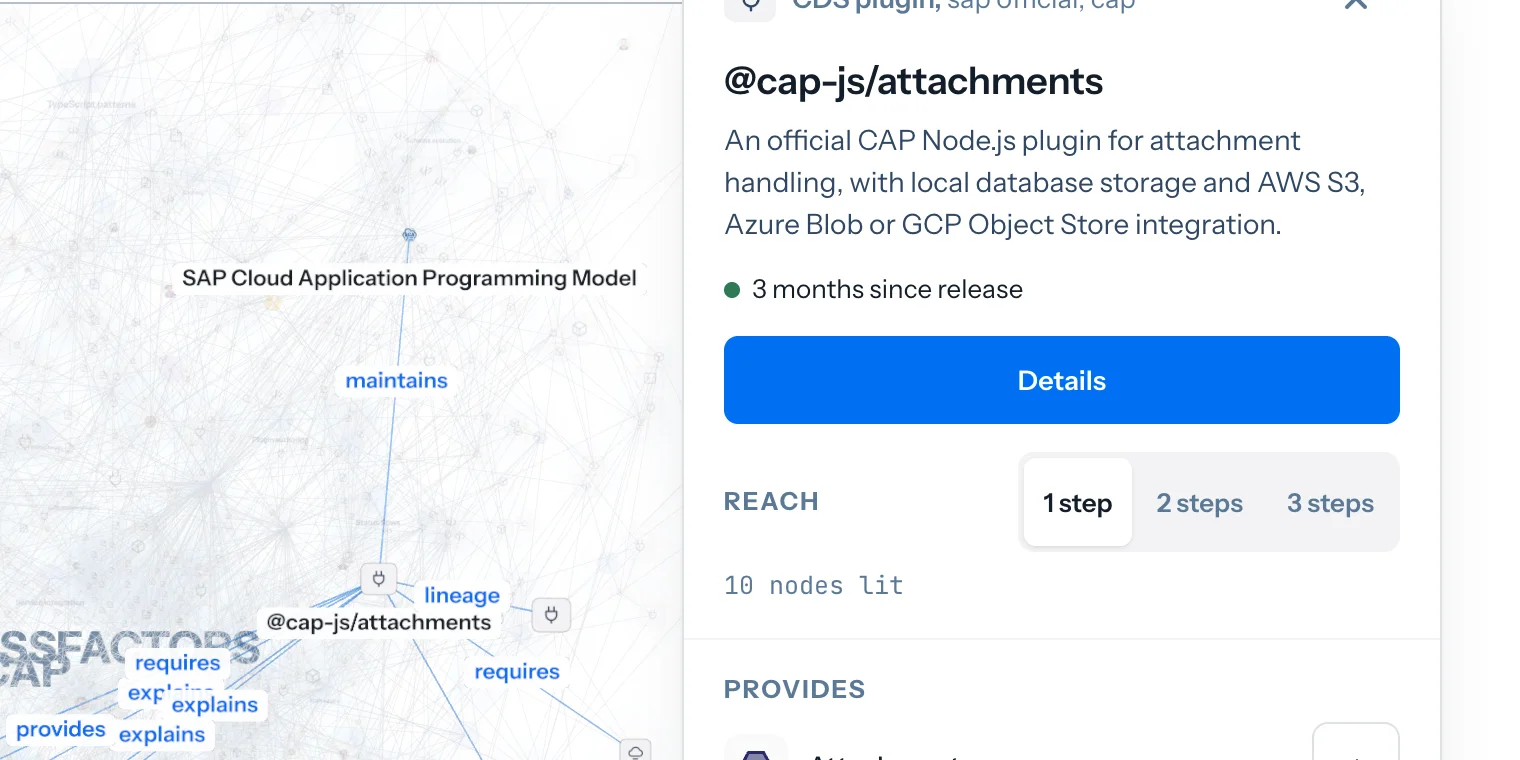
The graph view shows those connections in 2D or 3D. Select an entry to see its neighbours, then choose Details to open its page. With thousands of entries, it can be a lot to take in. If you have a particular problem in mind, start with a map.
The maps
Choose an ecosystem such as CAP, ABAP, UI5 or BTP to open its map. Capabilities are grouped into domains, so you can start with an area of work and then find the tools that address a particular problem. The atlas calls these ecosystem views doors. The other map labels help you narrow things down:
Where things sit
- Door
- An ecosystem with its own map, list and people. Alongside CAP, UI5, ABAP and BTP are smaller doors for SAP Commerce, SAP SuccessFactors and SAP Digital Manufacturing.
- Flavor
- A variation within an ecosystem: CAP on Node.js or Java, for example, or Standard ABAP and ABAP Cloud.
- Domain
- An area of work on the map, such as data and persistence, or AI and agents.
- Coverage
- Whether the atlas has entries from SAP, the community, both, or neither yet.
This is the AI and agents area of the ABAP map. You can open its tiles here:
Each tile leads to a capability page and its options. An unmapped tile means nothing has been entered yet. It doesn't mean no solution exists. The Build pages also show where you could contribute to existing work.
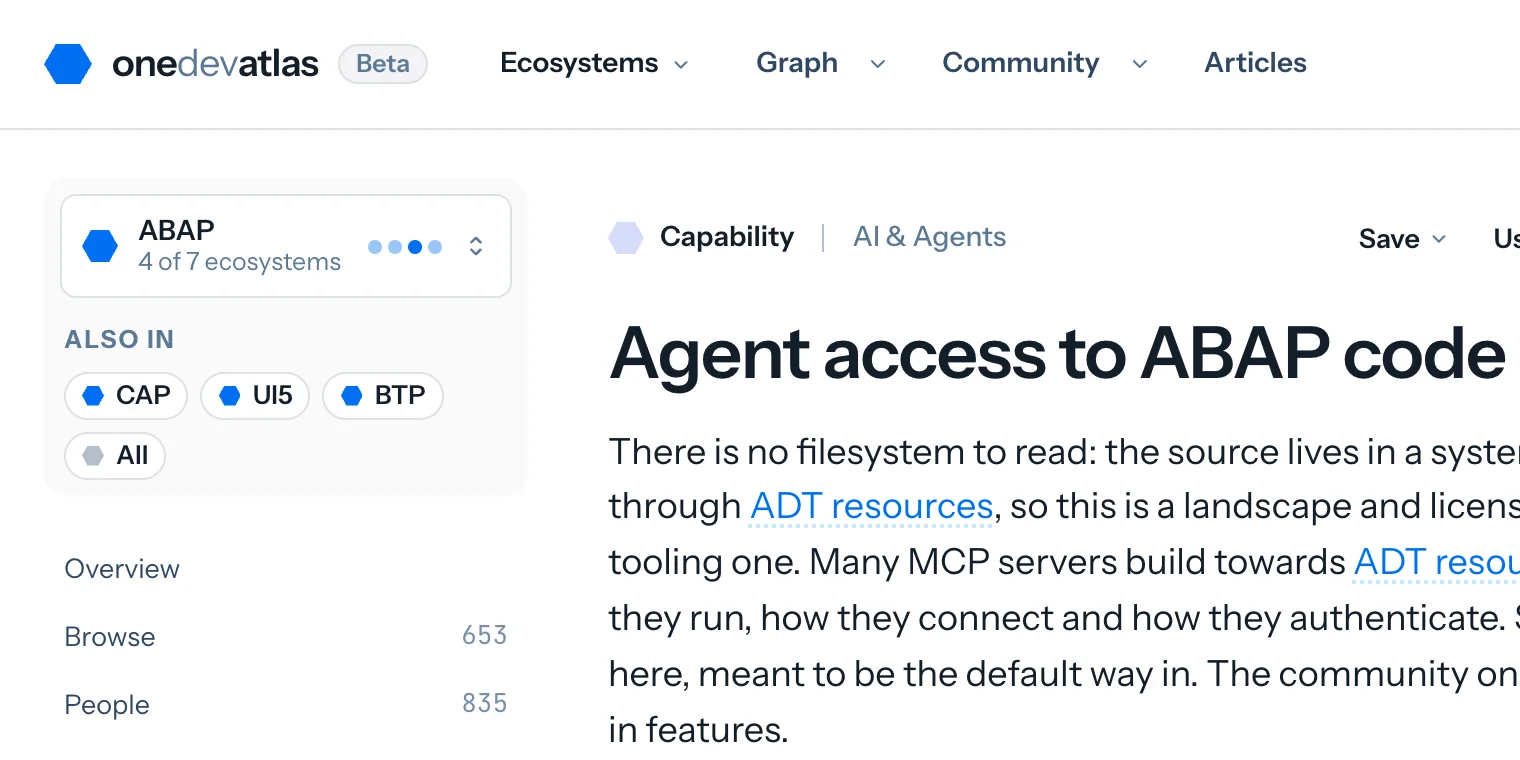
In the top right corner you see the ecosystem switch. Many capabilities are available in different ecosystems. If so, the switch will tell you and provide a way to see how "the others" are doing the same things. Use it to change the door or flavor you're browsing. All shows it across the atlas. The name and description may change to fit that context.
A capability page
Take Agent access to ABAP codeAgent access to your codeLetting a coding agent read the project or the system you actually have, reach its model, its objects and its checks, and act on it. In file-based environments that works out of the box; complex systems need dedicated access capabilities. Whatever the environment, the agent also needs project- and framework-specific context, so it understands the thing in front of it rather than guessing from what it remembers of its training data. The transport is incidental: an MCP server, a language server or a CLI answer the same question, and what differs between them is how much of the real thing the agent can see. Distinct from MCP servers, which is a protocol adapter on your own running service, and from agent guidance, which is knowledge handed over as files rather than read from the thing itself.SAP and community, unassessed. On opening day, its ABAP view has 43 options. The page helps you understand their differences:
- Start with the overview. It explains the problem in this ecosystem, what SAP ships and where that answer stops. Here, SAP's entry is the ADT MCP ServerADT MCP ServerSAP's own ADT MCP server, and not a package: a preference inside ABAP Development Tools for VS Code that starts a local HTTP MCP server on a port you choose.sap official, abap in ABAP Development Tools for VS Code. The overview also describes what the community adds.
- Check the conditions. Access to an ABAP system depends on the system, its APIs and licensing. Conditions shared by all options appear together.
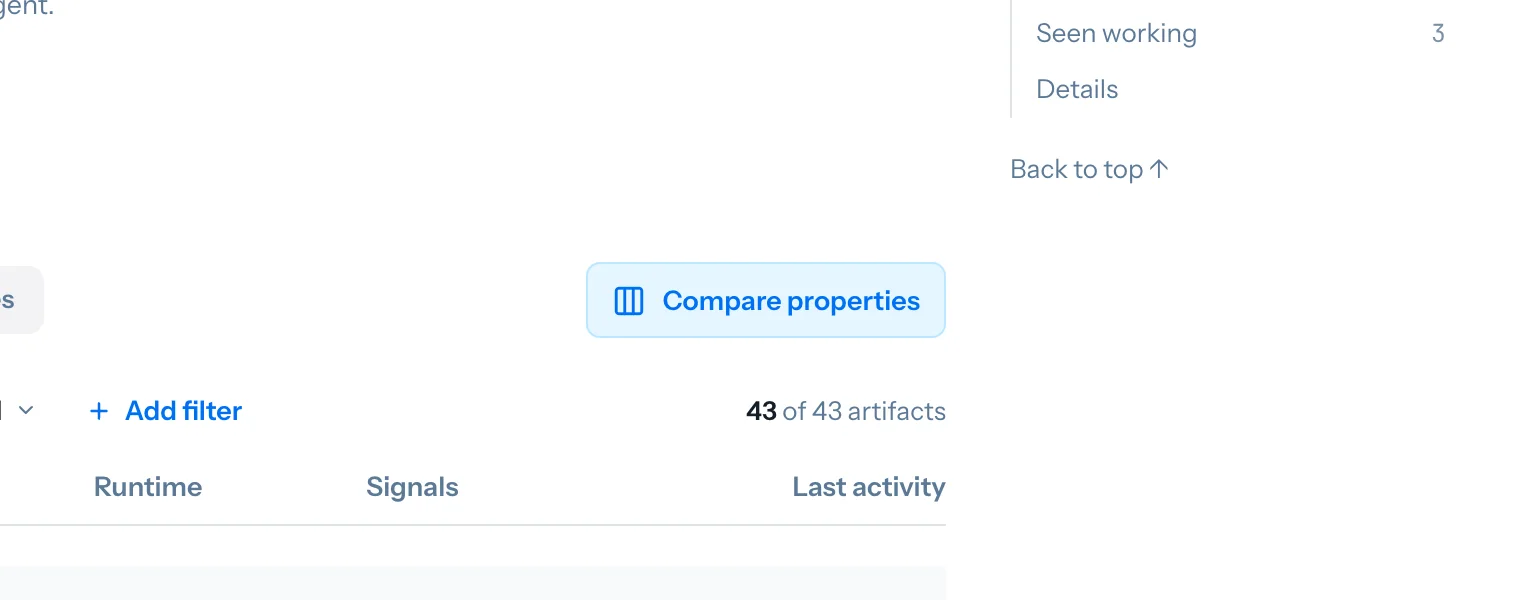
- Browse the options. They are grouped by type and then by name. You can filter the list and inspect how each option runs, its activity and its signals.
- Open Compare properties. The comparison shows what each option states it supports, explicitly rules out, or leaves undocumented.
- Look at Tasks and Content. Tasks describe concrete outcomes, the evidence for each option and the work left for you. Articles, talks and working examples give you more context.
When comparing options, these labels tell you what kind of evidence you're looking at:
How options compare
- Use case
- A specific outcome, such as letting an agent change ABAP in a system you run yourself.
- Answer
- What the evidence says about an option for that task: shown working, covered, conditional, likely, unsupported, unknown or not yet assessed.
- Property
- A documented fact, with its source. An empty value means the documentation doesn't say.
- Signal
- An observed value, such as a release date or open issue count, with any threshold explained. Signals aren't combined into a score.
The capability is shared across ecosystems. Its general name is Agent access to your code; the ABAP view has its own name, description and options. CAP, UI5 and BTP show the same concern in their own context.
Use it with AI
You can use the atlas from your AI assistant too. The Use with AI menu on each page lets you copy its text with sources and dates, open it in Claude or ChatGPT, or copy the call that retrieves it.
For ongoing use, add https://onedevatlas.dev/mcp to a client that supports MCP. This connection lets the assistant look up the same options, conditions and sources you see on the site. Here's how that can read in a conversation. The answer below is written from results recorded on 26 October; you can open the original responses underneath it.
I want my coding agent to change ABAP in our on-premise system. What exists, and what do I need to know?
The atlas lists seven options for this task. Six have evidence that they can help, subject to conditions: abapsmithabapsmithAn MCP server that lets an LLM develop in ABAP on a live system over ADT, with writes off by default and every mutation recorded in a local journal that can undo it.independent, abap, arc-1arc-1An MCP server in front of the ADT REST API that runs locally and on Cloud Foundry with twelve tools that read, search, write, activate, lint and transport ABAP objects.independent, abap, EPOD ADT MCP ServerEPOD ADT MCP ServerAn MCP server for ABAP that runs inside ABAP Development Tools for Eclipse on the ADT session of each connected project, with a standalone mode that runs with no IDE open.independent, abap, fr0ster/mcp-abap-adtfr0ster/mcp-abap-adtFull CRUD across on-premise and ABAP Cloud systems, with five authentication methods and three transports: a library under Apache-2.0 and a standalone server under AGPL-3.0-only.independent, abap, Modernization Agents for SAP on AWSModernization Agents for SAP on AWSAWS's suite of agents for SAP modernisation work: custom ABAP converted for S/4HANA, PI/PO interfaces moved to Integration Suite, BW objects moved to SAP Datasphere, deployed into a customer's own AWS account and reached only after registration.partner, abap and vibing-steampunkvibing-steampunkAn ADT-to-MCP bridge in Go that reaches past what ADT exposes — cluster tables decoded, spool and job logs read as tables, the IMG searched, selection texts written back.independent, abap. You'd need to check each one's requirements against your setup.
SAP's ADT MCP ServerADT MCP ServerSAP's own ADT MCP server, and not a package: a preference inside ABAP Development Tools for VS Code that starts a local HTTP MCP server on a port you choose.sap official, abap is also listed, but the atlas doesn't yet have enough evidence to confirm this particular task. That doesn't mean it can't do it.
Before narrowing the list, I'd need to know:
- Which SAP system and release are you running?
- How would the assistant connect, and whose account would it use?
- Should it only read code, or be allowed to make changes?
These are starting points to investigate. The atlas hasn't verified a complete working setup, and tools missing from the answer may simply be unassessed.
See the recorded tool responses
From https://onedevatlas.dev/mcp. Answers abridged.
match_capability{"description":"let my coding agent change ABAP in our on-premise system","ecosystem":"abap"}{ "ecosystem": "abap", "matches": [ { "ref": "capability:agent-code-access", "name": "Agent access to ABAP code", "core_coverage": "core-and-community", "options": 43 }, { "ref": "capability:abap-transport-management", "name": "Transport management", "core_coverage": "core-and-community", "options": 13 }, { "ref": "capability:agent-evals", "name": "Agent evals", "core_coverage": "community-only", "options": 3 } ], "use_cases": [ { "ref": "usecase:agent-changes-abap-in-an-on-premise-system", "name": "Let an agent change ABAP in an on-premise system" } ] }The question lands on a capability and on a use case the atlas has assessed for it.
assess_use_cases{"id":"agent-changes-abap-in-an-on-premise-system","ecosystem":"abap"}{ "tasks": [ { "name": "Let an agent change ABAP in an on-premise system", "outcome": "An agent reads and changes ABAP in a system the customer runs themselves, on the classic development model, and the change is activated there.", "requirement_dimensions": [ "Release of the system, since ADT resources differ between an ERP system and an SAP S/4HANA one.", "Whether the agent may act under the developer's own SAP user or a technical one.", "Whether the connection is a Cloud Connector, an X.509 trust, a direct HTTP route or RFC.", "Whether writes are allowed at all, or the agent is read-only on this system." ], "answers": [ { "ref": "artifact:freight-art-abapsmith", "name": "abapsmith", "answer": "conditional" }, { "ref": "artifact:sap-adt-mcp-server", "name": "ADT MCP Server", "answer": "unknown" }, { "ref": "artifact:arc-mcp-arc-1", "name": "arc-1", "answer": "conditional" }, { "ref": "artifact:erhan-epod-adt-mcp-server", "name": "EPOD ADT MCP Server", "answer": "conditional" }, { "ref": "artifact:fr0ster-mcp-abap-adt", "name": "fr0ster/mcp-abap-adt", "answer": "conditional" }, { "ref": "artifact:aws-modernization-agents-for-sap", "name": "Modernization Agents for SAP on AWS", "answer": "conditional" }, { "ref": "artifact:oisee-vibing-steampunk", "name": "vibing-steampunk", "answer": "conditional" } ] } ], "note": "Only accepted assessments are returned. Missing evidence is unknown; contributions are not a verified assembly. An option not listed under answers is not assessed, which is not a no." }Each option's answer, and the dimensions that decide between them for one system.
The useful part is knowing what still needs checking. An assistant can ask about your system before narrowing the options. Missing evidence stays visible, including for tools the atlas hasn't assessed yet.
If you work directly with the data, each page also has a JSON version. The complete graph is at /graph.json, with an index for agents at /llms.txt.
Your account
Browsing works without an account. Signing in with GitHub adds bookmarks, ways to respond to other people's work, and a place to keep your own notes. Your account follows you between browsers. Use Save on any entry to bookmark it or add it to a named list. Your bookmarks and lists are private; they don't appear in the graph or in public counts.
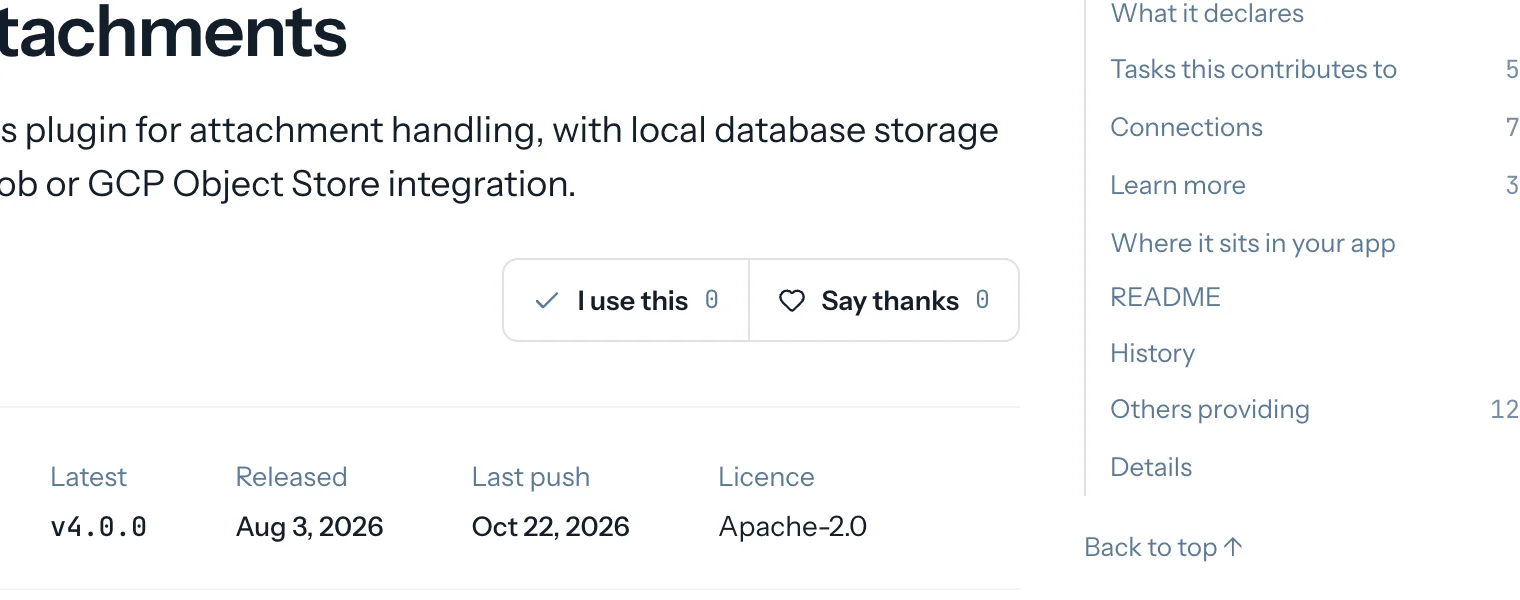
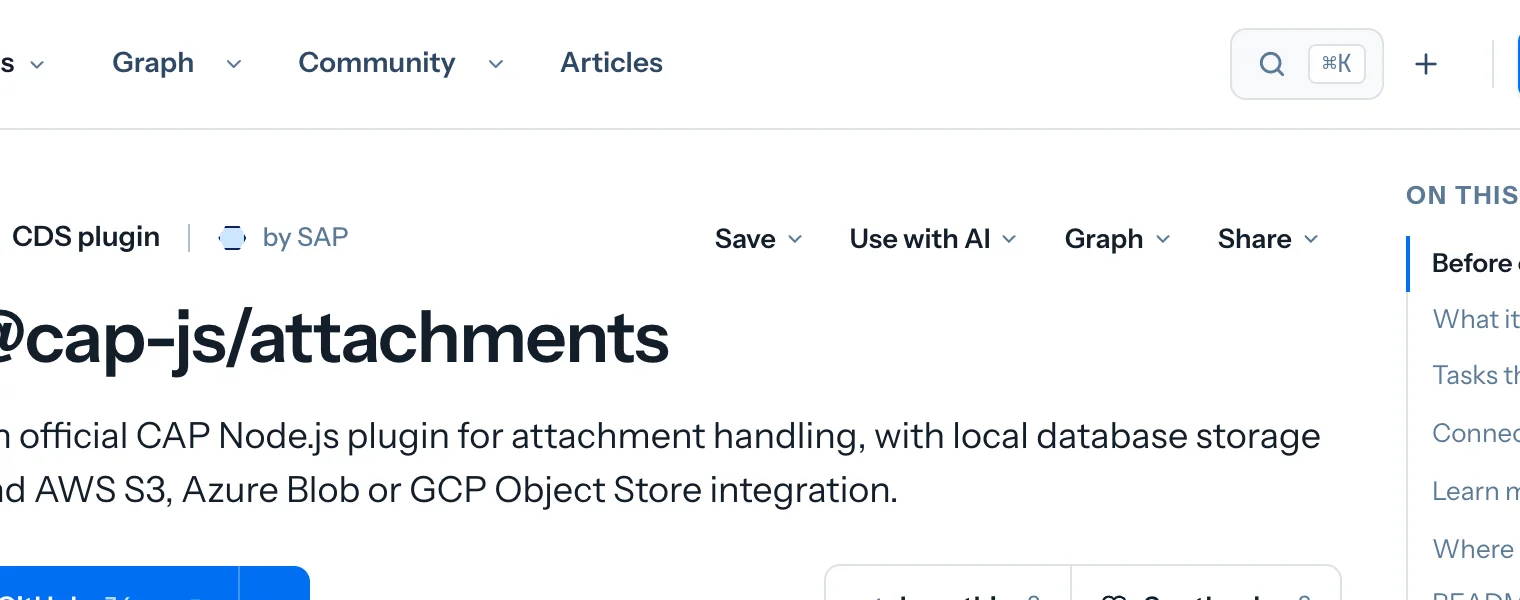
On an artifact, I use this lets its maintainer know someone is using it. Say thanks works on artifacts and content. Everyone sees the totals. Only the maintainer or author can see your name and the date, after signing in with their recognised GitHub account. Contributors see that someone responded, without a name, and no email is sent.
If the atlas lists you as a maintainer or author, you can publish a note on your work's page. You can also write an introduction on your community page, save it as a draft and publish or withdraw it when you choose. Published articles have discussions for signed-in readers. My atlas brings your work, uses and thanks, notes and lists together. Your Playground orb, ship and discoveries are saved with the account too. Delete my data removes your record and session.
Reading the evidence
The atlas gives you facts to make your own decision. It doesn't test the tools it lists or choose one for you.
The order is neutral
- SAP's options come first as the reference point, followed by the others by name. Downloads and stars don't affect order, defaults or filters.
There is no overall score
- Projects aren't labelled best, recommended or mature. A quiet repository can still contain useful work; a single grade would hide that distinction.
You can check the source
- Statements carry a source and the date it was read. They report what the documentation says, without claiming the atlas has run the code.
TechEd week
You can also fly through everything available in the atlas. In Explore and Play, you create a personalized orb to represent you, design a ship and travel past the tools, capabilities, people and content. It's an experimental way to explore the data. Open an entry as you pass to read the same facts you'd find on its page. The flight doesn't change the atlas's content.
During TechEd week, you can share that space with other pilots. Sign in with GitHub between 26 October and the end of Sunday 1 November, Berlin time. Publish your orb to the Harbour, meet people, play rock, paper, scissors and collect points as you explore. Juy by flying around and reading things. The boards are in the TechEd Dock.
Scoring closes at midnight at the end of Sunday. The final standings stay in the atlas's history, and solo flight remains open.
Take part
The atlas gets better through corrections, and I would like yours.
Look up your own work first. If an entry is missing or wrong, open an issue. For anything about a person, including a removal request, use the contact form instead of posting a public issue.
Maintainers can sign in and add a note to their entry, or put an onedevatlas.json file in their repository to state the facts about their project. If you try the atlas with an AI assistant, tell me where its answer falls short. And if the map groups things in a way that doesn't make sense to you, I'd like to hear that too.
See you at TechEd, in Berlin or virtually, or in flight.