guidrasil
A visual designer for classic SAP GUI screens that wraps containers and controls in a generic shell and generates the ABAP program that displays the layout it places.
Building a classic SAP GUI screen normally means writing container and control creation code by hand for every element. guidrasil wraps each container and control it starts with, docking, custom, dialogbox and splitter containers, plus icon, text and calendar controls, in a generic shell created through one CREATE method, with attributes read and saved through a single serialised, generic mechanism. Because its manager class tracks where every container and control sits, it can generate a complete ABAP program that displays them, and the same manager can return object references by name so a generated layout can still be manipulated in code afterwards. It starts from report ZGUIDRASIL_INI_CONTROLS, which registers the available control classes in a custom table.
Facts
Where it sits
Who is behind it

In the atlas: maintains 4@tricktresormaintainerChristian GünterContributes to this

In the atlas: maintains 1, contributes to 12@christianguenter2EnnoContributes to this

In the atlas: contributes to 8@Ennowulff2 contributors
Before choosing this
Signals
ActivityQuietNo published releases; repository quiet for 93 months
It publishes no releases, and its repository has been quiet for at least 24 full months. This may be normal for stable software; check whether its current state still fits your use.
What it declares
Every artifact
- Type
- Generator
- Origin
- Independently maintained
As a generator
- Generates
- does not say
- Run with
- does not say
- Distributed through
- does not say
Connections
Building screens, lists and interactive controls for the SAP GUI
Download
README
quoted from tricktresor/guidrasil under MIT, readguidrasil
ABAP GUI designer for Prototyping and more
about
Yggdrasill is an immense mythical tree that connects the nine worlds in Norse cosmology. It holds together everything in the world. It's the beginning of all. If yggdrasill will die, the world will die.
Wikipedia: https://en.wikipedia.org/wiki/Yggdrasil
The project name guidrasil shall indicate that the SAPGUI is still the center of everything. If SAPGUI will die, the world ends.
See blog post about guidrasil at http://blogs.sap.com.
idea
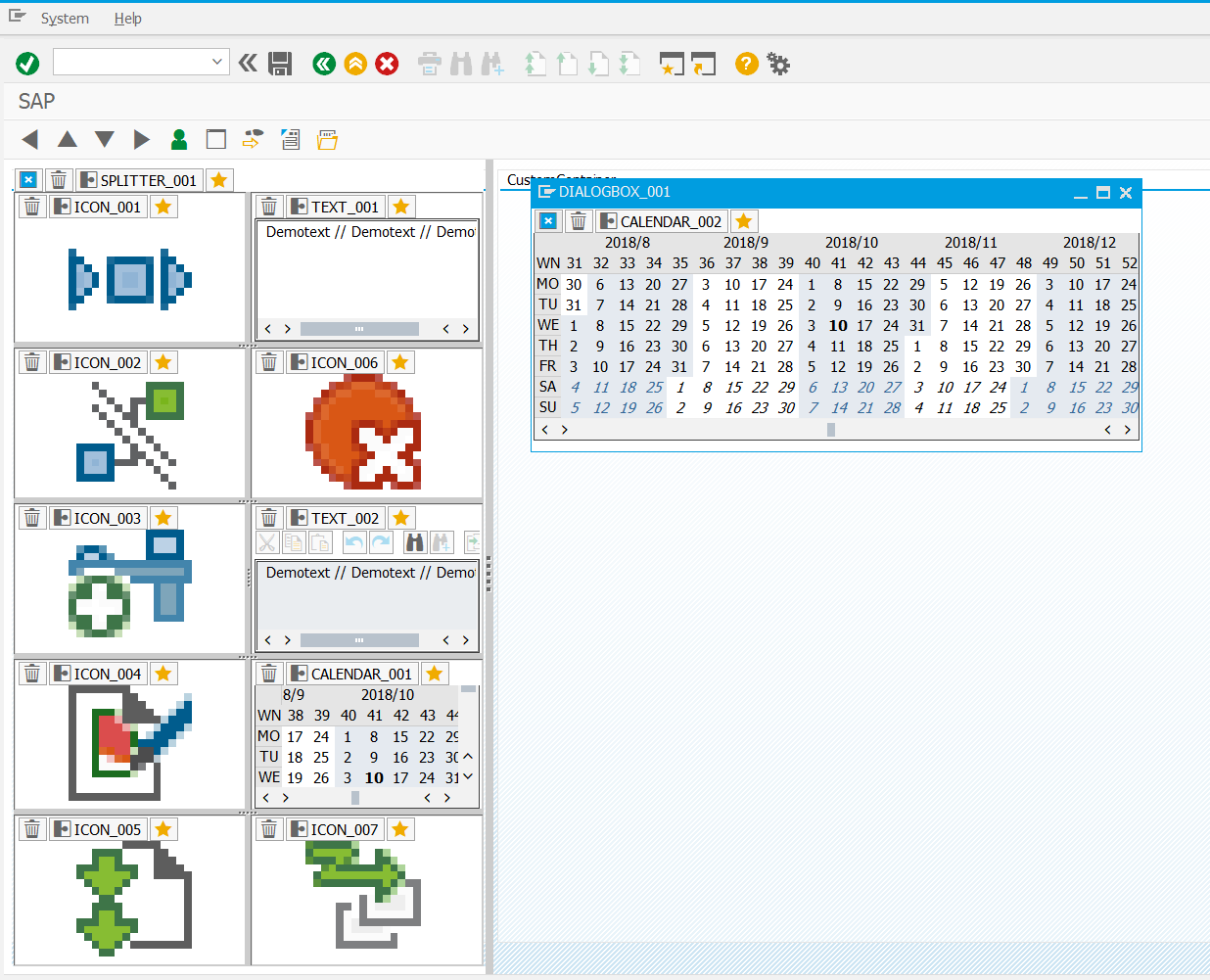
guidrasil is a GUI-Designer which I started to build with a former colleague. The idea is that every control can be generically managed. You just need a unique, standardized shell wrapped around the controls so that they can be created all the same.
For placing the controls we created a framework that provides functions for selecting the type of container and inside the container functions for selecting the controls.
Controls and container are similar. The great difference is, that containers can held more containers (splitter container) and controls can have different attributes.
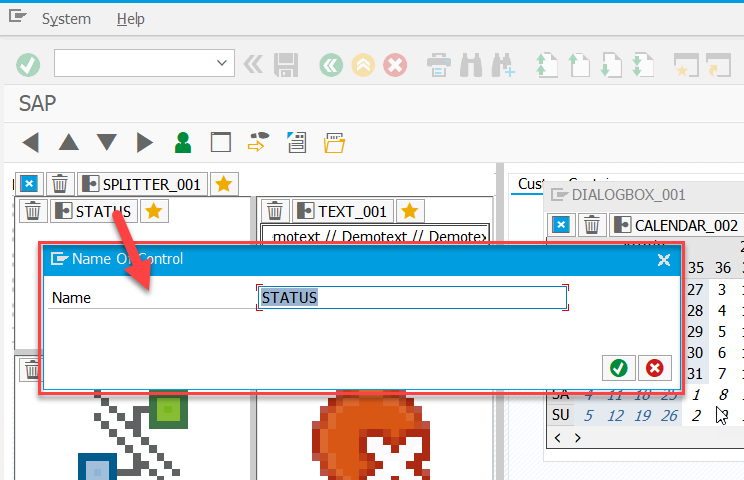
Each control can be created with a method CREATE. Inside this method everything will be done for creating the neccessary things. The container has a function to change the name of the controls and set attributes (show/ hide status bar in TextEditControl or the picture in PictureControl.
All controls have a defined structure for managing these attributes. But the attributes will be saved with one generic function using serialization.
start
Start report ZGUIDRASIL_INI_CONTROLS to initialize the controls custom table. This report will add the existing control classes in table ZGUIDRASIL_CTLS where ZGUIDRASIL_ADM selects the usable controls and containers from.
controls
this project starts with following containers:
- docking container
- custom container
- dialogbox container
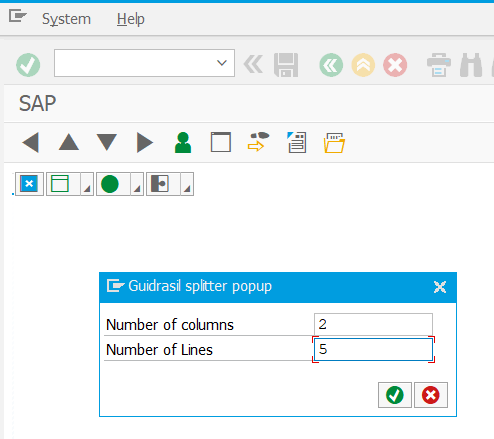
- splitter container These two controls can be used for start:
- icons (picture control)
- text (textedit control)
- calendar (calendar control)
detail
You can see a detailed overview in this prezi-presentation that I held 2017 at sitwdf: http://prezi.com/rhil_uifj7rn/?utm_campaign=share&utm_medium=copy
features
prototyping
With guidrasil you can prototype an application as easy as never before. You just need to click the controls you want and save the project.
code creation
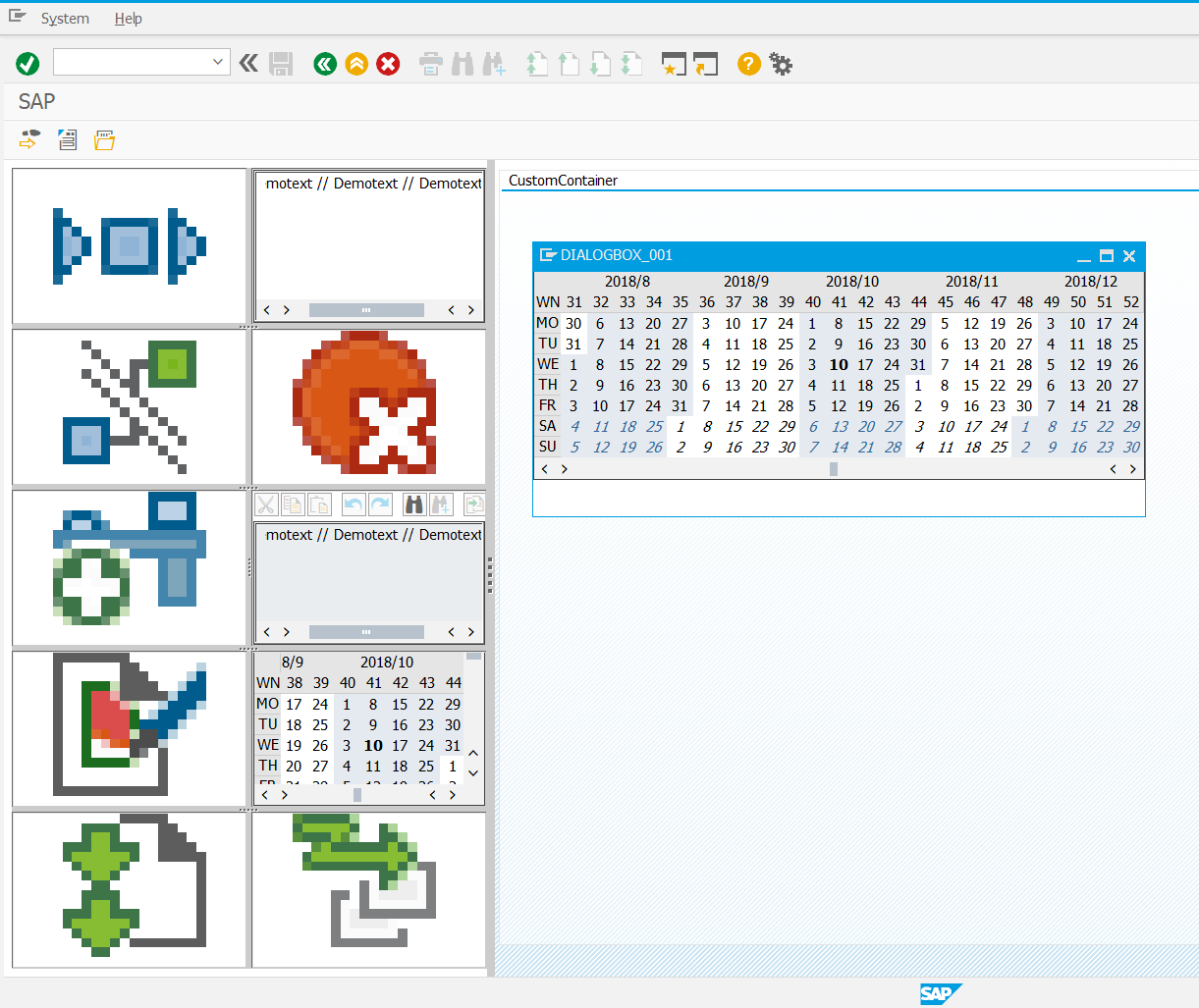
As every object in its shell knows what to do to display the control, it can provide the code for creation. The guidrasil manager class knows where the containers are placed and which controls are in there. So you can generate a complete genuine ABAP program for displaying these controls.
object manager
The application provides a GUI for you to select all the containers and controls. But the application can display all controls also without the drop down functions. And the manager also knows the names of the controls. So you are able to just create the project with the manager class and then get the reference of objects by their names. Afterwards you can manipulate the object in the way you are used to it.
visualize settings
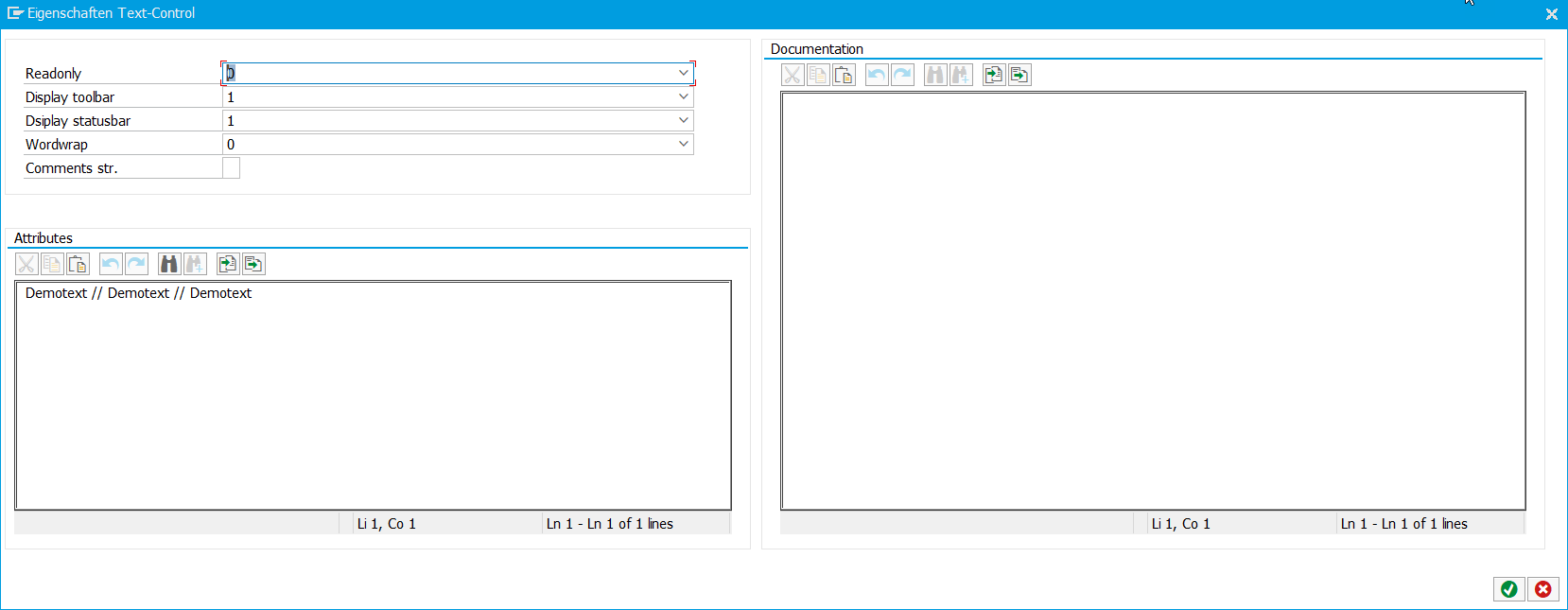
All the settings of a control can be customized. For example you can set the attribute "hide statusbar" in the TextEditControl via listbox. At least you could define the complete fieldcatalog of an alv grid in the dialog.
screenshots
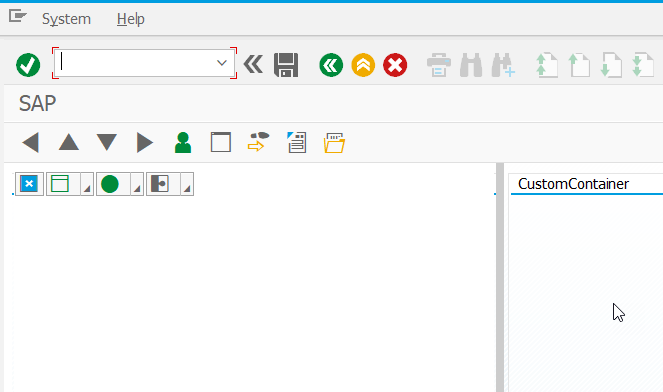
initial screen placing docking containers, custom container and dialogbox
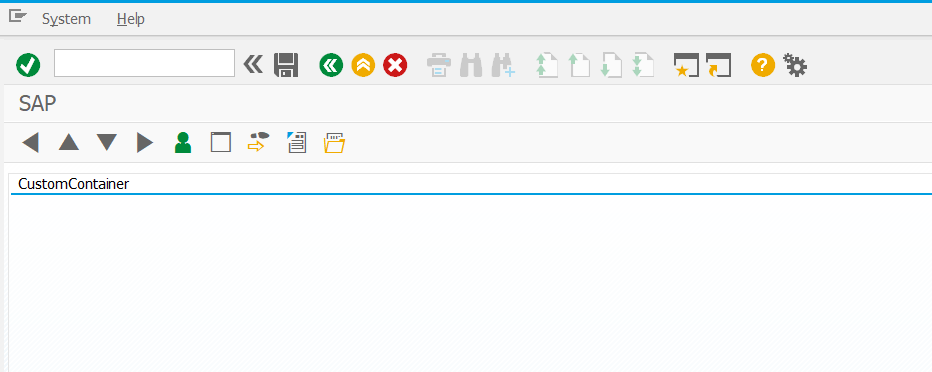
Empty custom container on the left
Add a splitter container
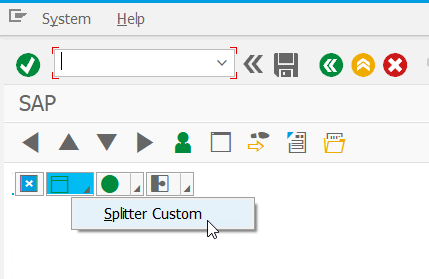
Add an icon control
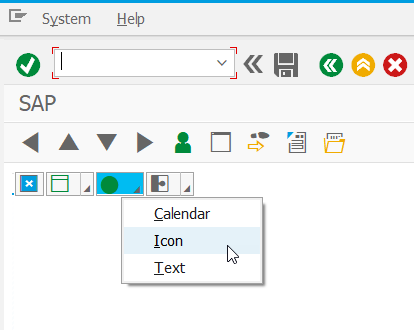
Select number of columns and rows for new splitter container
attributes window with documentation for TextEditControl
some controls and dialog box (design mode)
Some controls and dialog box (preview)
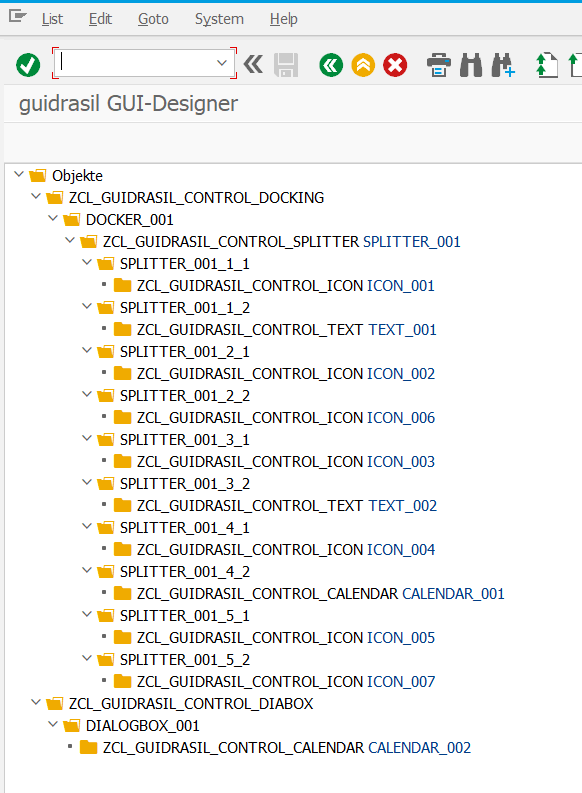
hierarchical Tree view
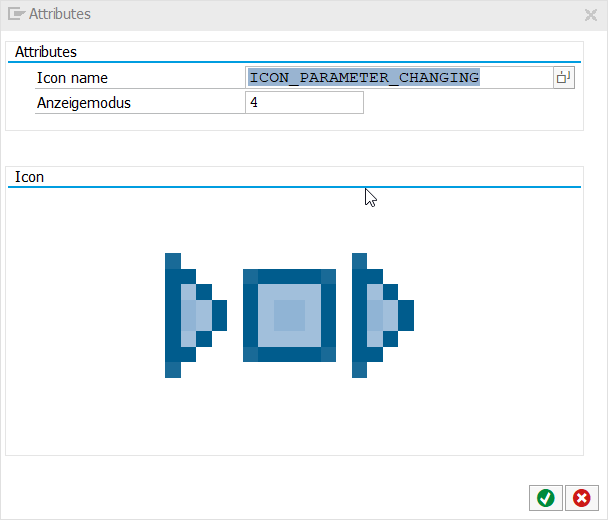
icon selection
Change name of control
Others providing
Compare all 10 on the SAP GUI screens and lists page →- abeljohny/ZAPabeljohny/ZAPA tiny DSL included into an ABAP report that replaces a SELECT and an ALV call with a pair of macros, _select to read a table and _display to show the result as an ALV list.independent, abapMacro DSL turning a one-line select into an ALV listfrom ABAP
- abap-ui-toolboxabap-ui-toolboxA collection of ABAP classes for classic SAP GUI development: an enhanced, editable ALV grid, a single-container screen framework, and a tree wrapper.independent, abapABAP classes for classic SAP GUI development: ALV, screens, treesfrom ABAP
- alv_utilitiesalv_utilitiesA single ABAP class that wraps the SALV framework so a report, dynpro or popup listing sets column text, colour, alignment, layout and sorting in single method calls, built against ABAP 7.0.independent, abapABAP class wrapping SALV to set column properties in one callfrom ABAP
- abap-alv-struc-viewerabap-alv-struc-viewerAn ABAP tool that generates an ALV table view straight from a DDIC structure, as a control-driven substitute for classic dynpro fields, with search help, validation and formatting from the structure.independent, abapALV table view generated from a DDIC structurefrom ABAP
- abap-ui-toolsabap-ui-toolsA helper class for the classic ABAP dynpro UI: hiding, disabling and requiring screen fields, setting dropdown values, and asking yes/no questions, in single calls.independent, abapHelper class for classic ABAP dynpro field handling and popupsfrom ABAP
- abapEasyALVabapEasyALVWrapper classes over the classic ALV and SALV frameworks that collect commonly used reporting actions behind fewer method calls, so a report displays a table with set_data and display_data.independent, abapWrapper classes over classic ALV and SALV reportingfrom ABAP
- cds2alvcds2alvAn ABAP tool that generates an ALV list report directly from a CDS view's own field definitions, maintained on SAP_ABA 750 SP26, with further extensions shipped from a separate repository.independent, abapGenerator for ALV list reports from a CDS view's field definitionsfrom ABAP
- abapMermaidabapMermaidAn ABAP package that renders Mermaid diagrams inside an SAP GUI container through the Edge Chromium Control, from a diagram's own text syntax passed at runtime.independent, abapRenders Mermaid diagrams inside an SAP GUI containerfrom ABAP
- ZwdDynscreenZwdDynscreenAn ABAP library that generates a selection screen or a popup for a handful of parameters from objects typed by DDIC elements, without a dynpro created in the program.independent, abapSelection screens and popups generated from ABAP objects, no dynprofrom ABAP
Details
Sources
Sources are graph entities: the same page may back several entries, and an unreachable source flags every row that rests on it.
Compatibility and provenance
abaplint
Contributors
History in the atlas
- First seen.
For your agent
- Ref
artifact:tricktresor-guidrasil- JSON
- /artifacts/tricktresor-guidrasil.json
- MCP
- Connecting an agent